 Travis Chase
Give me a little juice, F.R.I.D.A.Y.
Kits are the fastest and easiest way to get Font Awesome up and running on your website. It’s a little bundle of settings and icons that we think is the best way to use Font Awesome.
By creating a Kit you:
- Save time getting icons on your web site.
- Make your icons load super fast. And faster websites convert better.
- Manage changes and settings easily, like staying up to date on the latest version.
Basically, Kits just work.
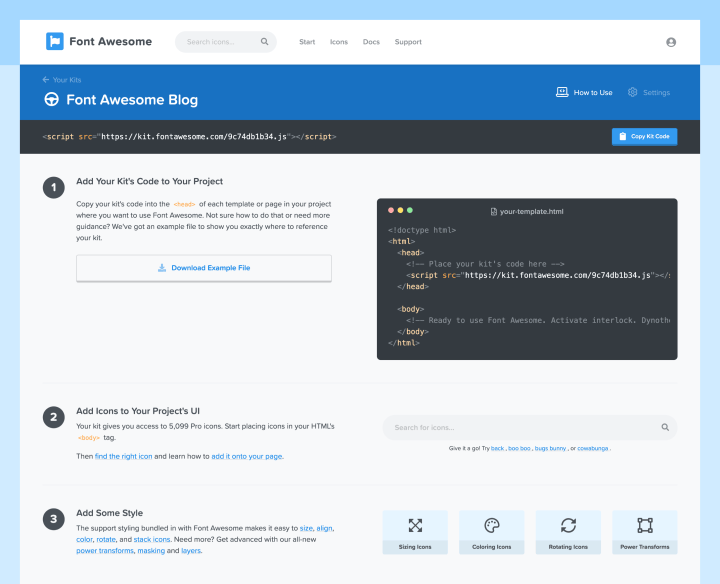
Kits are up and running in just a few quick steps. Starting with choosing exactly which icons and styles you want along for the ride.
At Font Awesome we are obsessed with icons and great design, and we think great design should be accessible to everyone. We provide tools and services that take care of all the annoyances so you can get to work.
If you’ve got a Pro account, head on over to your account and start creating a Kit. Don’t have a Pro account? Sign up for a Free account and try out your first Kit on us.
With Free Kits You Get:
- Speed up your website by serving your kits on our global CDN
- Handle all the caching of icons so we only download what doesn’t already exist in the browser
- The ability to always have the latest version and icons Font Awesome ships (along with options to use a certain version).
- Icons are accessible by default — screen readers skip decorative icons automatically, and we’ll point you to the right pattern (like
aria-label) when an icon is carrying meaning on its own. - Choose CSS-only delivery if you want your icons to render in lockstep with the rest of the page — no flash-in effect while JavaScript loads.
Upgrade to Pro Kits and You Get:
- More icons in all our styles. and there are a lot more styles than there used to be: Sharp, Duotone, Sharp Duotone, and Pro+ packs like Chisel, Etch, Jelly, Notdog, Slab, Thumbprint, and Whiteboard.
- More Kits which means more projects that can easily use Font Awesome.
- Upload your own custom icons and use them right alongside ours, styled and sized the same way.
- Pick exactly which icons ship with your Kit — By Style or By Icon — so your site only loads what it actually uses. It’s the single biggest lever for keeping your Kit fast.
- Manage your Kit like a real dev tool: pull it in as an npm or yarn package, lock domains to protect your pageviews, and keep an eye on usage from your account dashboard.
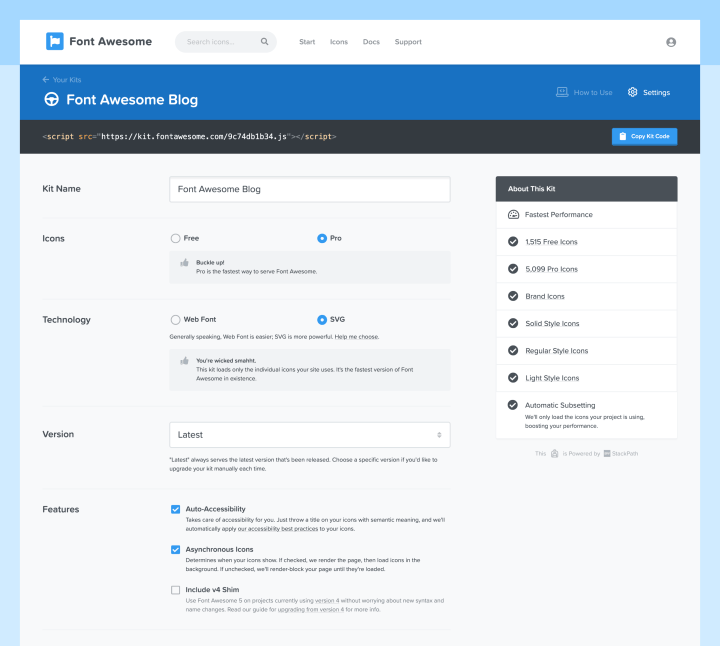
How Easy Is It?
- Choose your icons — Full Library, By Style, or By Icon.
- Create your Kit and pick CSS-only or JS embed.
- Add your Kit’s code to your project.
- Add icons to your project’s UI.
- #winning
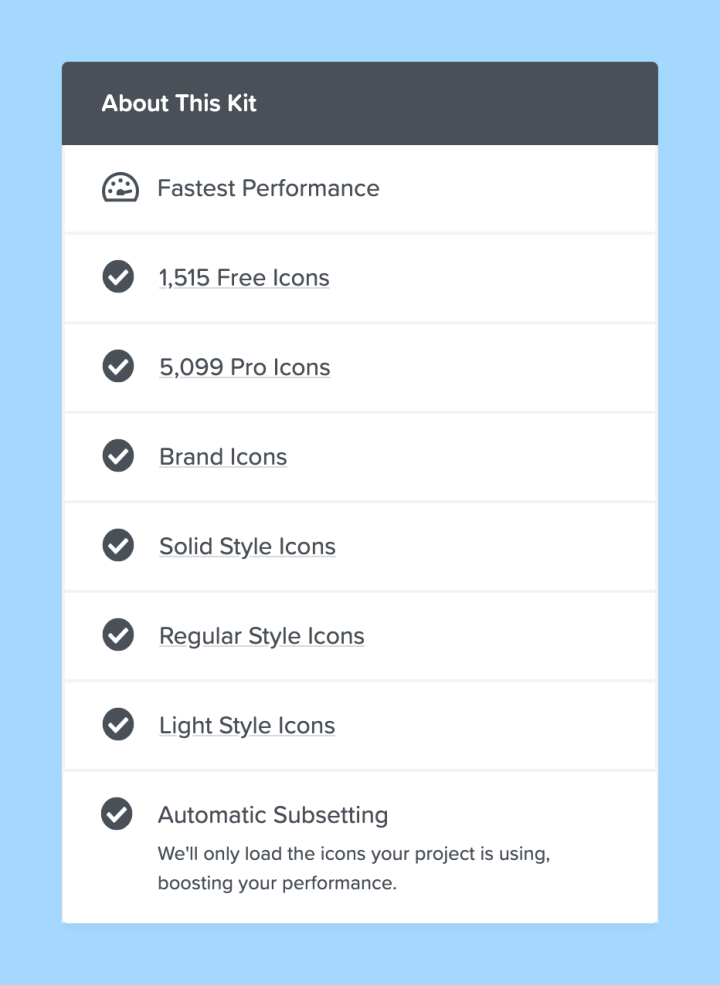
Kits take care of all of your settings for you
Keep eye out on this blog for a more in-depth walk-through of Kits. Since this first went live, we’ve written a lot more about what Kits can do — subsetting your icons, uploading your own, getting the most out of Kit management, and going CSS-only. Links below if you want to go deeper on any of it.
We are very proud of the work our team put in to bring Kits to life. We can’t wait to see how you use Kits. Give Kits a try and let us know what you think, we are listening.